Online Help
Object Properties
Use the following options to set object properties in the sidebar:
Hot Keys
| Change values | |
| Ctrl | Large steps (ex. 5cm) |
 |
|
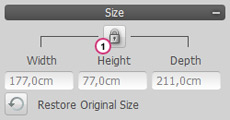
| 1 | Unlock proportional Scaling |
 |
|
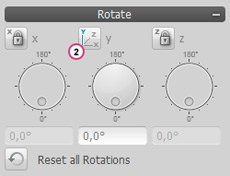
| 2 | Chosen axis for rotation |
 |
|
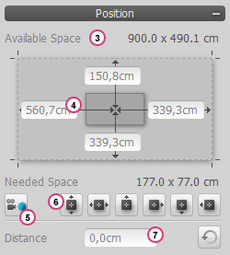
| 3 | Space for object on wall, floor or other object |
| 4 | Distance to the edges of the surface, walls or object |
| 5 | Turn camera to object |
| 6 | Orientation of object (centered, left, etc.) |
| 7 | Vertical distance of object from surface area |